Engine/Effects/Visual Enhancement

Video Teaching Visuals

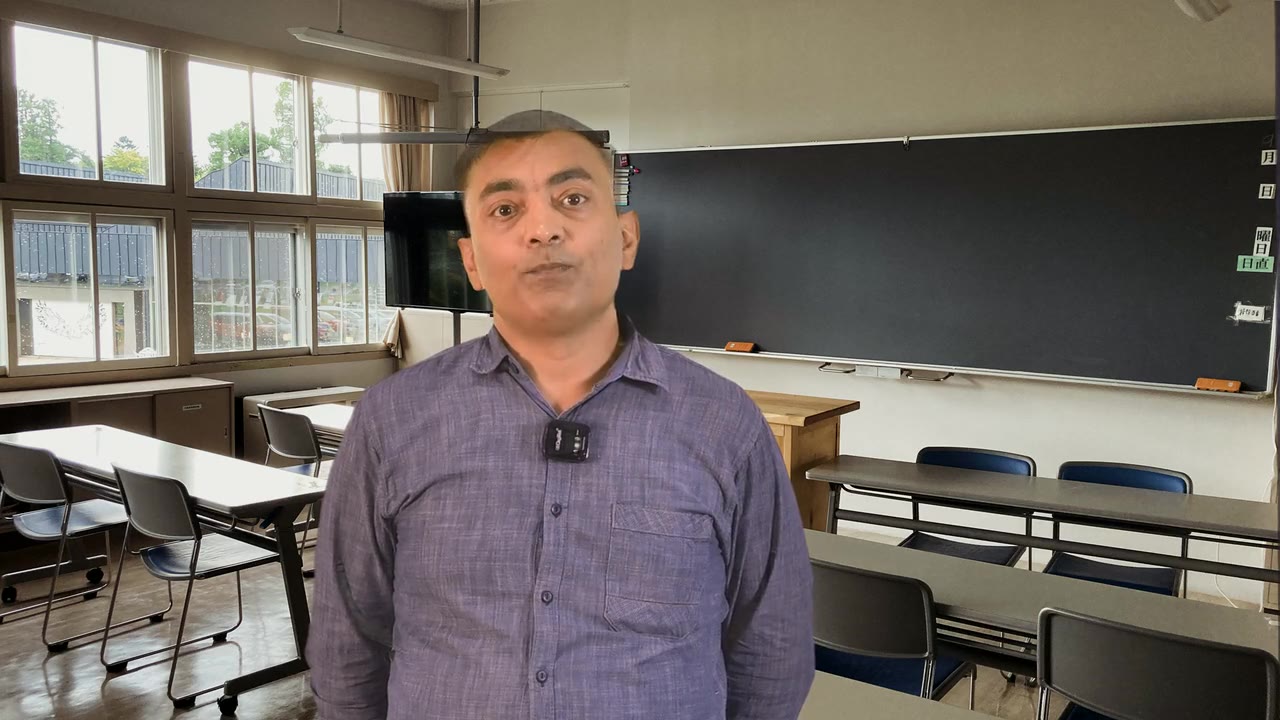
Where the moment is something happening rather than something to look at, the lecture cuts away to a short generated shot with its own native motion. Every shot begins life as a generated still made to the same brief as an Image Teaching Visual; that still becomes the first frame, and the video model only adds the movement. It is trimmed to the phrase, stripped of sound, and captioned on top.

Generated motion, first frame locked

The finished effect

What it looks like when it is done.

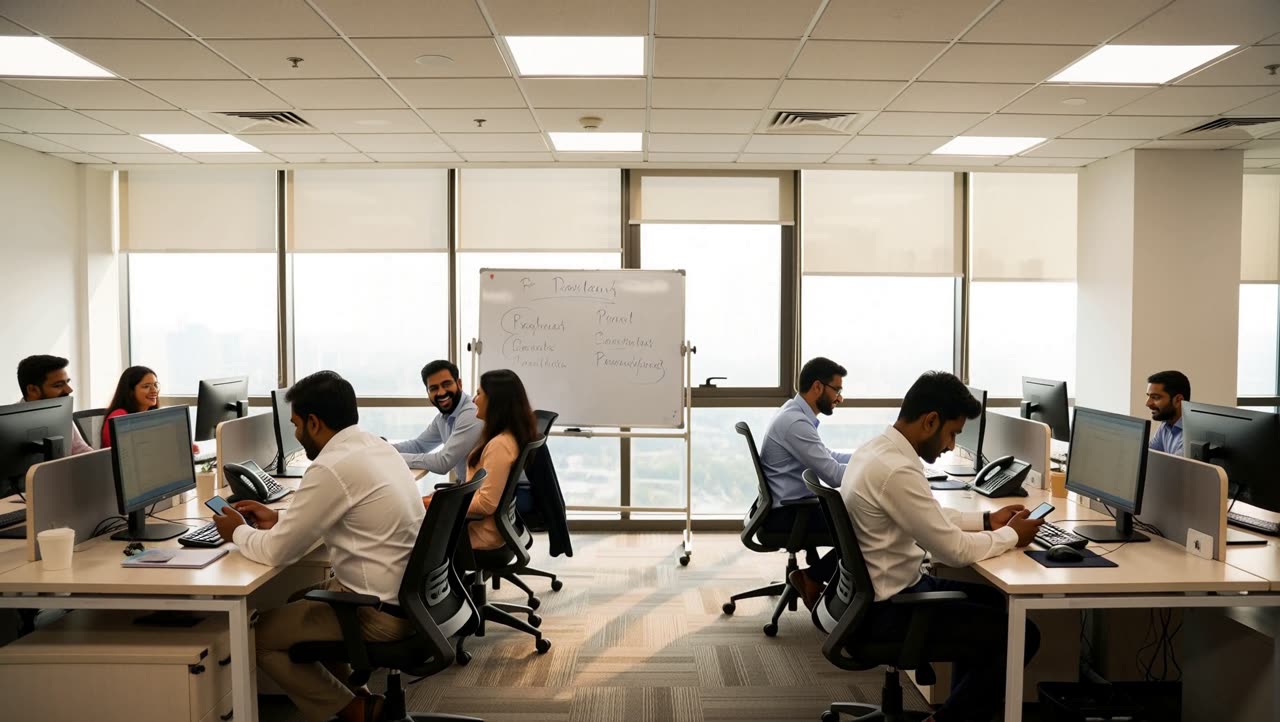
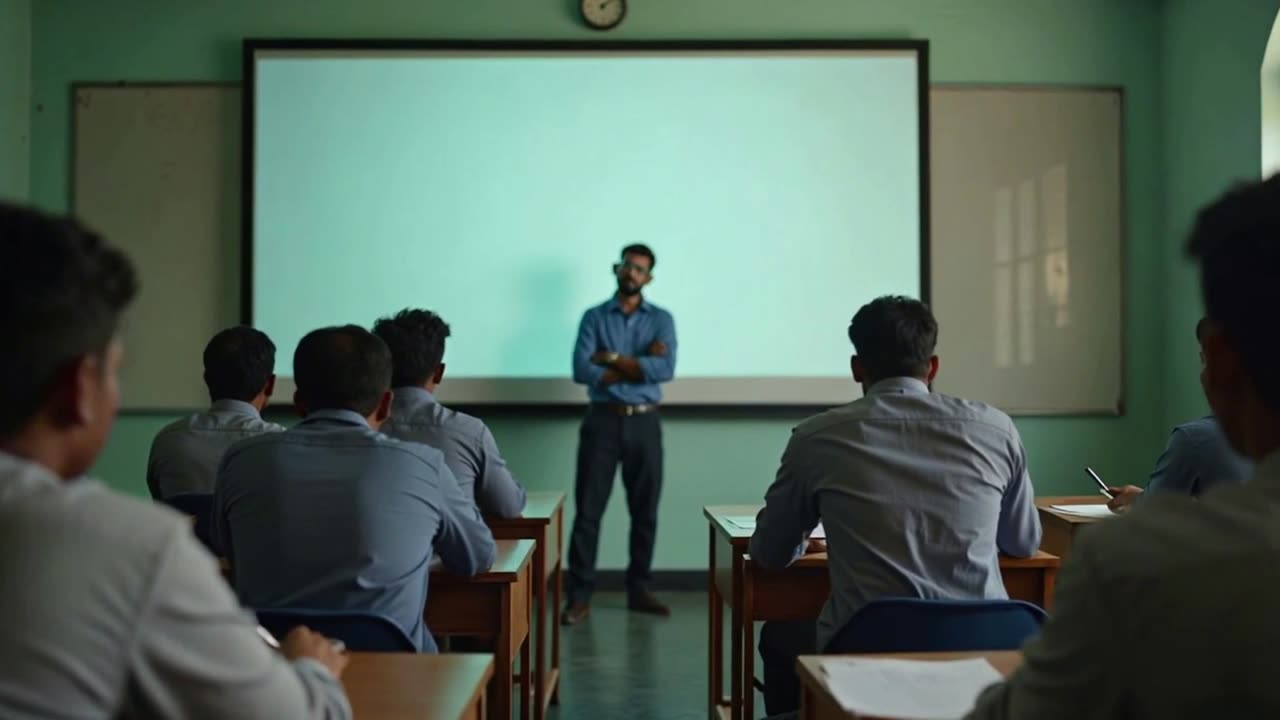
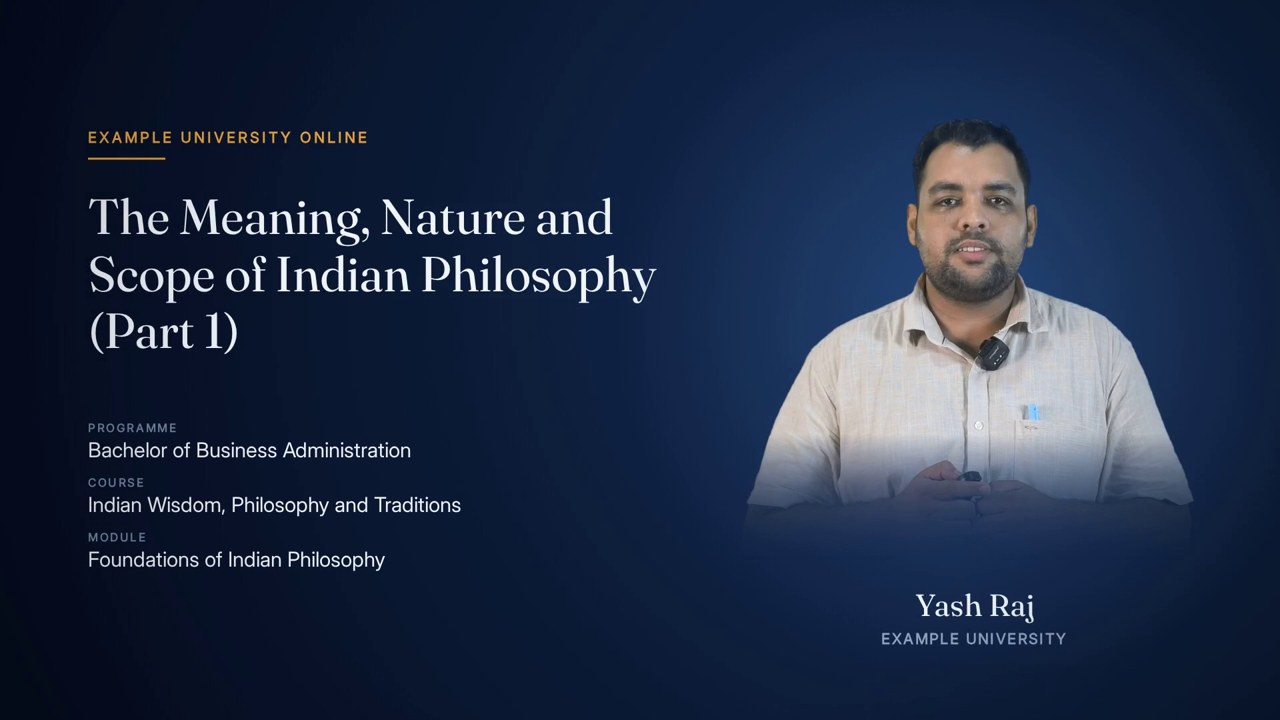
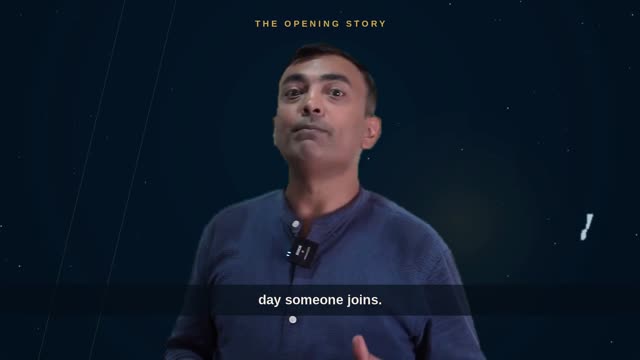
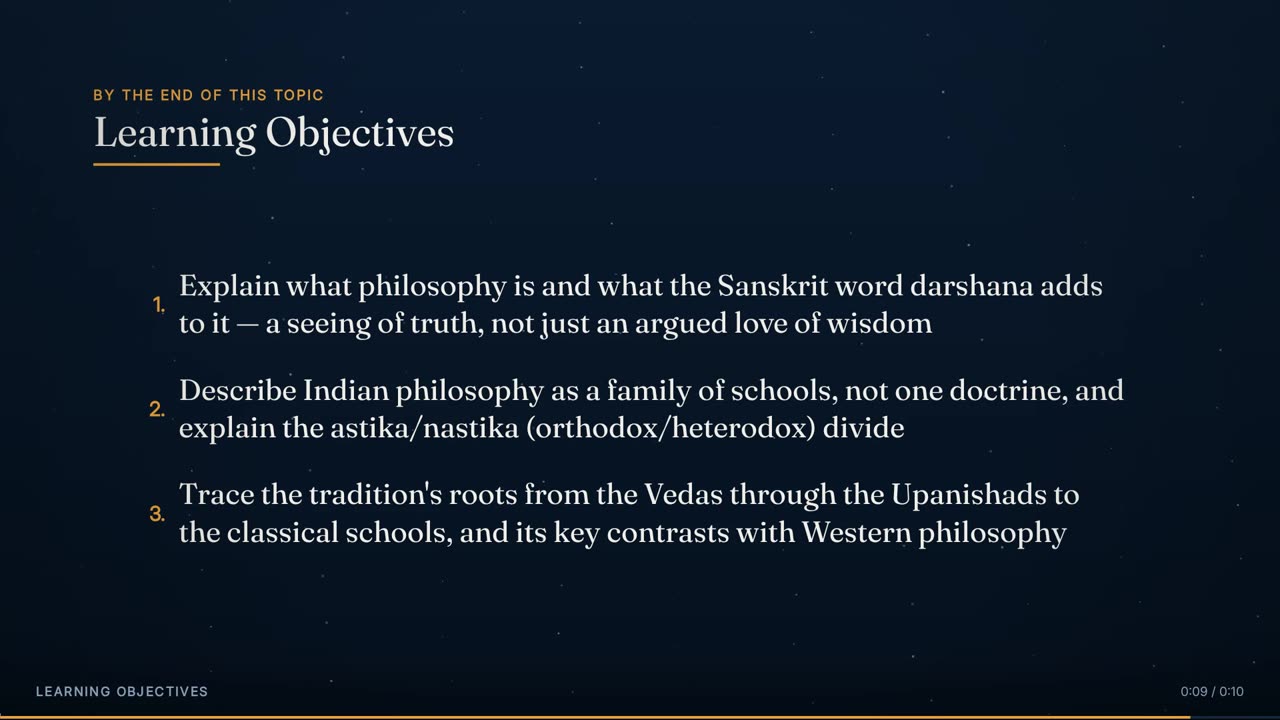
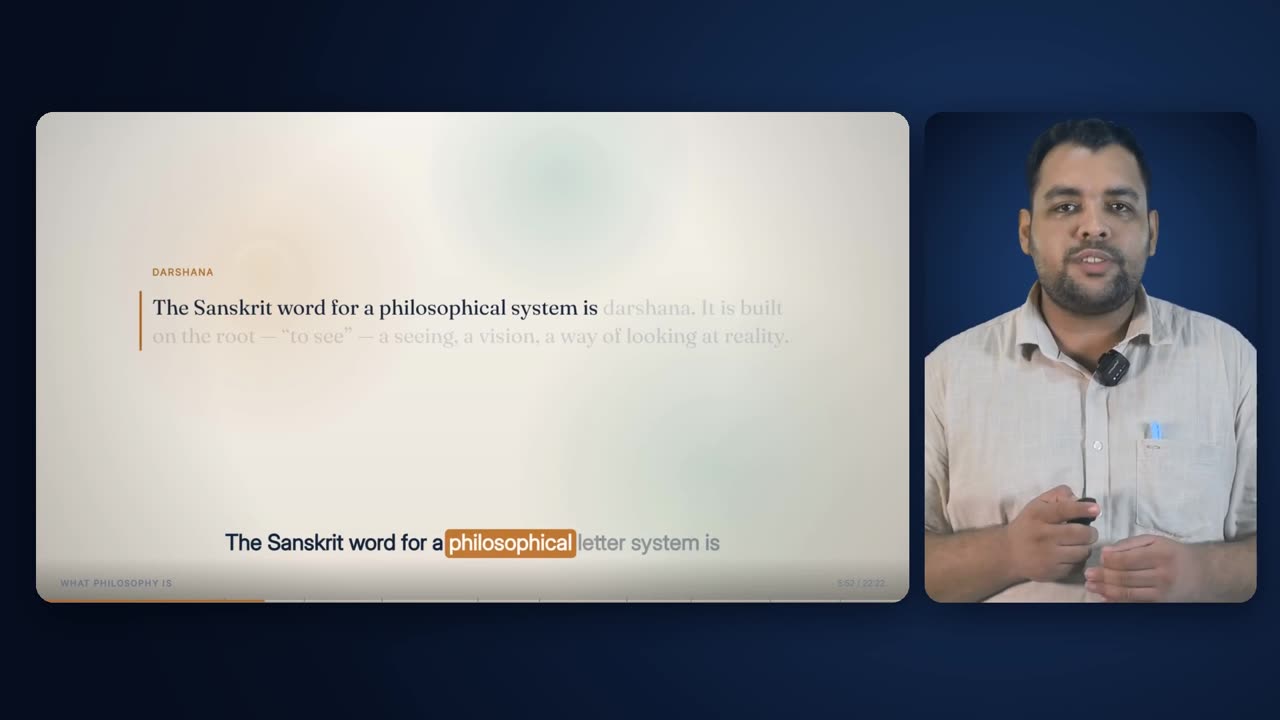
Eighteen seconds of the 22-minute Indian Wisdom lecture used throughout this page (10:13 to 10:31 of the lecture): two generated video shots cut into a Full Animated Lecture chapter. The motion in each is the model's own; nothing is panned or zoomed on top.

18 s · 1920 × 1080 · with sound

Overview

What it is, and why it exists.

Video Teaching Visuals are the scarce, high-value cutaway. A slow push over a still can carry a single concept, but it cannot show a hall rising in applause, a family setting out on a journey home, or two things converging. For those, the engine generates a real-looking shot of five or six seconds: ordinary people, an ordinary place, one physically believable action.

The pipeline is always text to image, then image to video. The engine first makes a still with the full Image Teaching Visuals brief — setting, framing, cast, look and exclusions — checks it for writing, and only then hands it to the video model as the first frame. This is what keeps nine shots made minutes apart looking like one film: the look is fixed by a picture, and the only new thing in each call is the motion. It also means a failed shot can be retried without paying for a new still.

Placement belongs to the composition plan. Video gets first pick of the windows, because it is the scarcer quota and the more valuable clip; stills and drawn cutaways are fitted around it afterwards. Like every generated cutaway it must pass the real-entity gate, name something a camera can see, clear the 4.0 quality bar and fit inside the shared 18% ceiling. Real stock footage is tried before it, and a drawn cutaway sits behind it.

It works over any base layout. In the reference lecture eight of the nine shots cut away from the full animated lecture and one from Presenter + Captions.

0.4 shots a minuteQuota
about 5 sNative length
window rounded, 2–7 sRequested length
1080p, 16:9, 30 fpsResolution
a checked generated stillFirst frame
stripped; narration onlySound
600 sJob timeout
18% of runtime with stillsShared ceiling

How it is made

Step by step, in the order the engine runs it.

Plan the shot

The composition plan runs its video pass before anything else is placed. Generated-eligible windows of 3.0 to 6.5 s that name something photographable are ranked by score, with a strong bonus for motion verbs such as running, crossing, streaming, watching or rolling, and taken in that order until the video quota is met or the 18% generated ceiling is reached. Spacing is the same as for every cutaway: at least 6 s between starts, never touching, never on a set piece.

Re-check the gate

Immediately before any request, the sentence is checked once more for real brands and places and for document-like words. A shot that fails is not made.

Write the still brief

The first frame is written exactly as an Image Teaching Visual: the speaker's own sentence with proper names removed, a setting from the place the sentence names or else the course's own world (never an office by default), a camera position, the Indian cast, the bright or sober look, and the no-text clause.

Generate and check the first frame

The still is generated at the largest accepted size, downloaded, and read by OCR. If writing is found it is regenerated once with stricter wording; a second failure abandons the shot before any video is paid for.

Write the motion prompt

The video prompt is the cleaned sentence followed by a fixed motion instruction — subtle real motion, locked-off or slow handheld, no camera tricks — and the same exclusion clause. The look is not described again: the first frame carries it.

Request the shot

The still is sent as the first frame, with a duration equal to the window rounded to whole seconds and held between 2 and 7, at 1080p and 16:9, with the camera allowed to move. The job's status address is saved to disk the moment it is accepted.

Wait for it

The job is polled every 3 s for up to 600 s, longer than a still because video runs longer. A dropped connection is retried up to four times; a failed or cancelled job ends the shot with its reason recorded.

Resume, never repay

If a run is cut off after a shot was submitted but before it finished, the next run finds the saved status address and resumes waiting for that same job instead of submitting and paying for it again. The address is cleared once the clip is downloaded.

Fit it to the window

The downloaded shot is trimmed to the exact window, converted to 30 fps, scaled to cover 1920 x 1080 and centre-cropped, encoded at high quality, and its audio track is removed.

Cut it in

At assembly the shot replaces the whole frame for its window, the caption band is rendered on transparency over it frame by frame, and the studio audio runs underneath. A shot that could not be made falls back to a drawn cutaway under the same id if one exists, otherwise to the layout underneath, and the substitution is reported.

Elements

Everything this effect puts on screen, one piece at a time.

Each element below is shown as the engine actually produced it, in the real lecture, with its parts, and the rules that govern it.

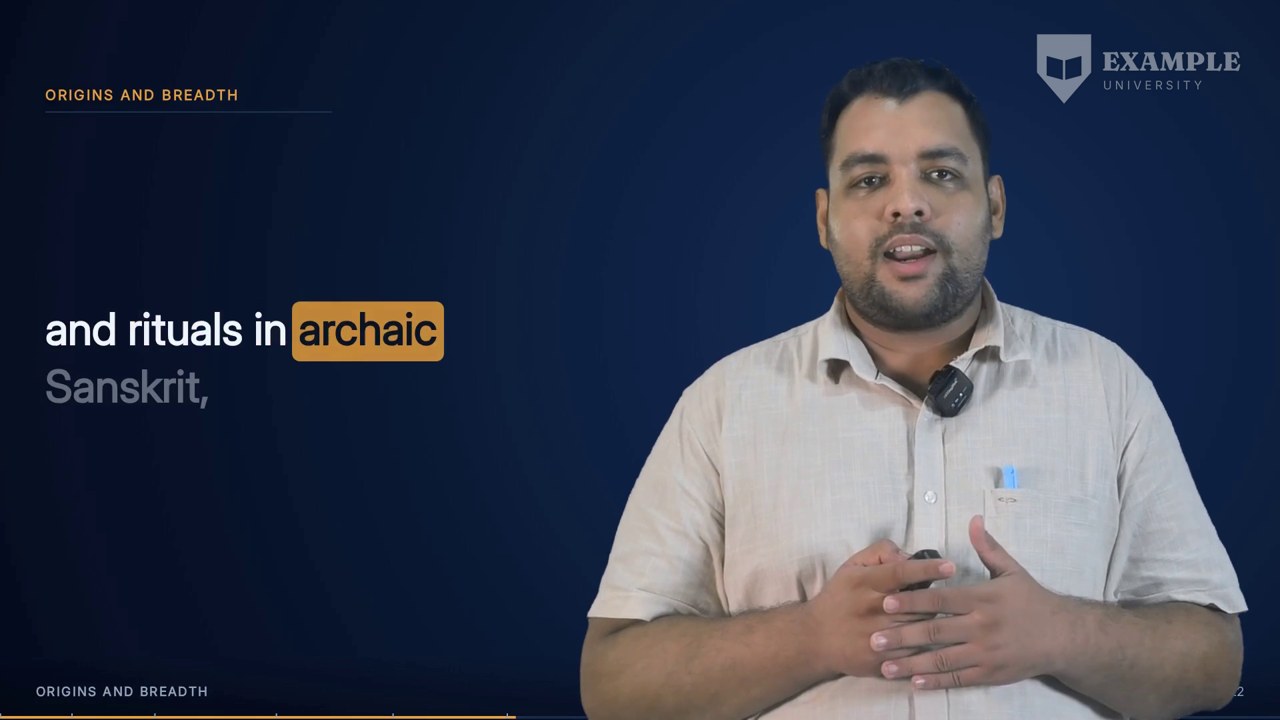
Fourteen seconds from 7:32: the full animated lecture cuts to a generated shot on “The classical map splits this family by a single test. Does a school accept the authority of the” and back.
01

The shot in the lecture

Five or six seconds of real-looking motion on one phrase.

A generated shot is placed exactly like any cutaway: on phrase boundaries, as one to three phrases, clear of the lecture's first 15 and last 25 seconds, and never over a title, definition or quotation. What differs is what it shows. A still is right for something to look at; a shot is right for something happening. The shot takes the whole frame, the caption band runs over it, and on the next phrase the base layout returns as if nothing had been interrupted, which from the ear's point of view is true.

Anatomy
  • Full-frame, 1920 x 1080, 30 fps
  • One to three phrases, 3.0–6.5 s
  • Caption band on top
  • No sound of its own
Rules
  • Edges on phrase boundaries
  • Never in the first 15 s or last 25 s
  • At least 6 s between cutaway starts
The highest-scoring shot in the lecture (11.0), at 10:14 on “and the linked ideas of Karam, Samsara, the round of rebirth” — brief: an open office, medium two-shot. (Made before 22 Sep 2026, under the old office-first rule — this philosophy lecture would now be set in its own world.)
02

First pick of the windows

Video is placed before stills and drawn cutaways.

The planner's first placement pass is for video alone. It is the scarcer quota and the more valuable clip, so it chooses first and the others fit around it. Candidates are ranked by their score, and a sentence with a motion verb in it gets a large bonus, because a shot whose motion is the point is the whole reason for this effect. Everything else is the same as for a still: it must pass the real-entity gate, contain a noun a camera can see, score at least 4.0, and fit inside the 18% of runtime shared by every generated cutaway.

Anatomy
  • Quota: 0.4 a minute of runtime, at least 1
  • Ranking: score, plus 4 for a motion verb
  • Motion verbs: running, scrolling, crossing, sipping, spread, chase, streams, streaming, watching, rolling
  • Stops at the quota or the 18% ceiling
Rules
  • A per-minute quota, not a fixed number: a fixed five would be a fifth of a two-minute lecture
  • Never pushes generated screen time past 18% to meet the quota
  • A window that loses the video quota can still become a still or a drawn cutaway
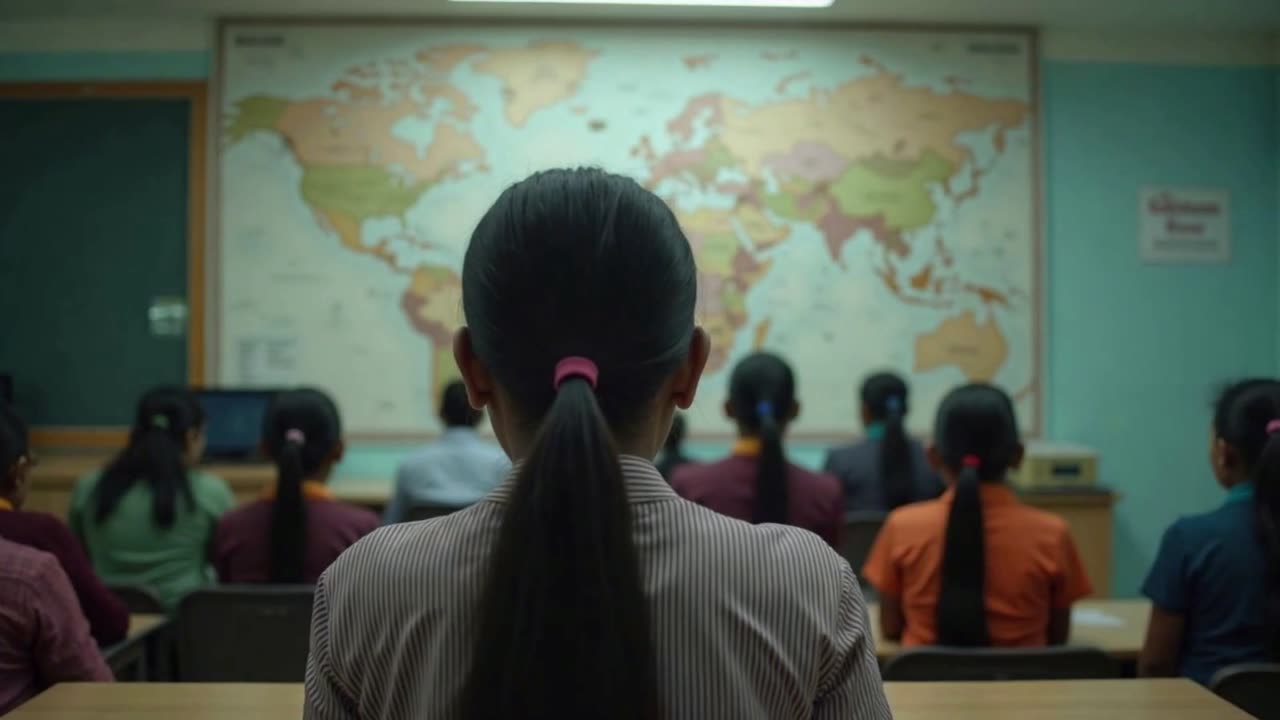
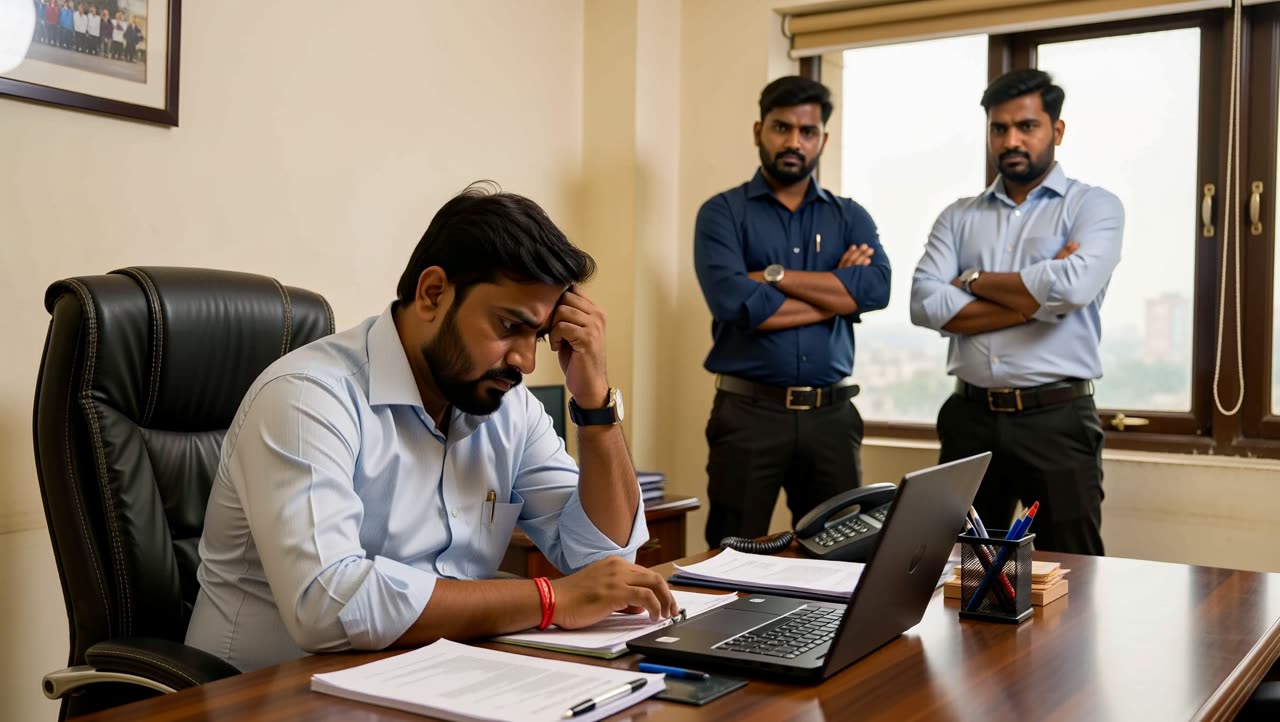
From an earlier test: the generated seed still, made and checked before any motion was requested.
03

The seed still

A full Image Teaching Visuals brief, generated and checked first.

Every shot starts as a still. The engine writes the same brief an Image Teaching Visual gets — setting, framing, the speaker's sentence, the cast, the look and the exclusions — generates it, and reads it with OCR for writing before any motion is requested. Generating straight from text would lose the style lock a picture gives, and would make every failed attempt twice as expensive to retry. A still that fails the writing check twice ends the shot there, before the costly step.

Anatomy
  • Same brief template as Image Teaching Visuals
  • Largest accepted still size
  • OCR check, one stricter retry
  • Kept on disk under the cutaway's id
Rules
  • Always text to image, then image to video
  • A still with writing in it is never animated
  • A still that passed on an earlier run is reused
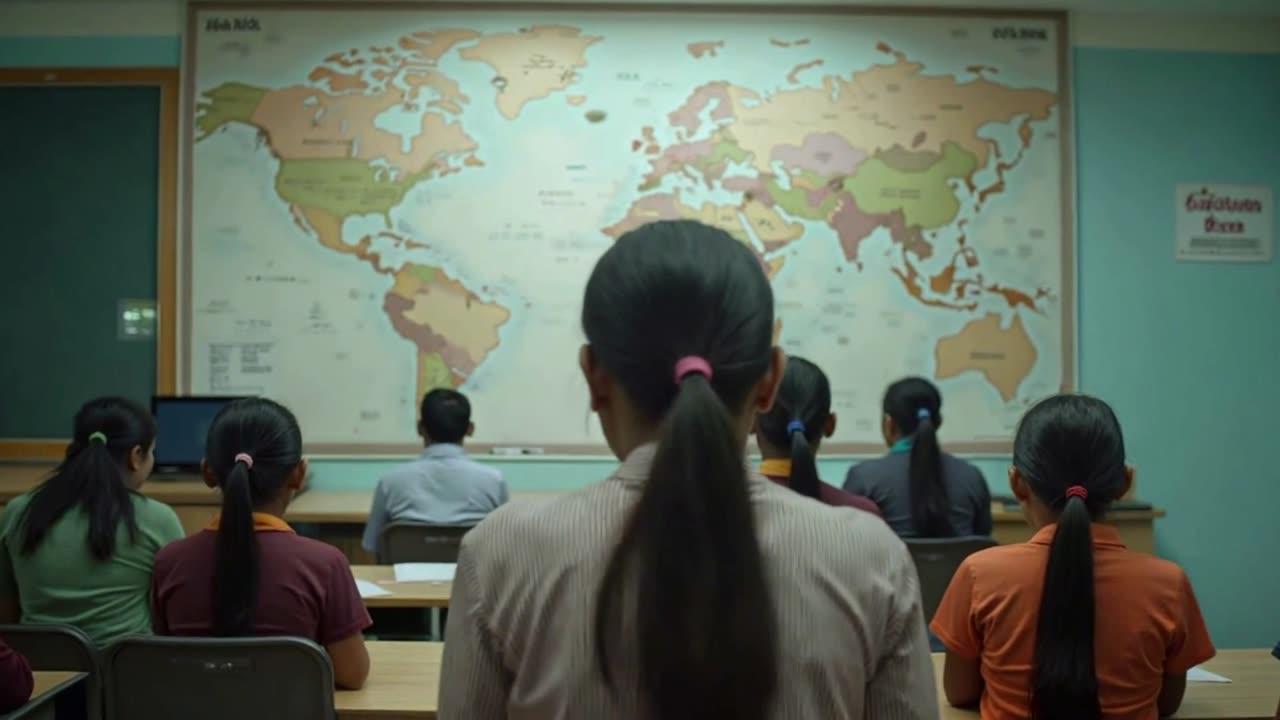
The same test still carried into motion by the video model: the look is the seed's, only the movement is new.
04

The motion

One physically believable action, added by the video model.

Given the seed as its first frame, the video model is asked for motion and nothing else. Models asked for several simultaneous movements tend to blur them or ignore all but one, so the instruction is one ordinary human beat: someone turns, leans in, hands something over, walks away. The camera is allowed to move, but the prompt asks for subtle real motion — a locked-off frame or a slow handheld drift — and no camera tricks, because an ostentatious move reads as a graphic rather than as footage.

Anatomy
  • First frame: the seed still
  • Prompt: the cleaned sentence
  • Fixed instruction: subtle real motion, locked-off or slow handheld, no camera tricks
  • The no-text exclusion clause
Rules
  • One action per shot
  • Real people doing a real thing, not an animated graphic
  • The look is never re-described: the first frame holds it
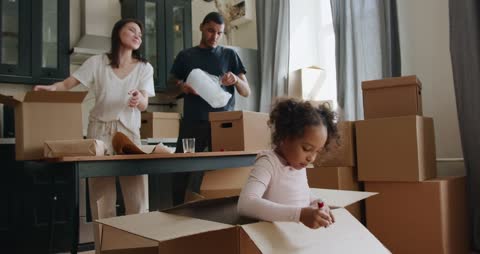
The opening frame of the 6.3 s shot at 7:36 — brief: a small workshop with hand tools, over-the-shoulder.
05

The first-frame lock

Why nine shots look like one film.

Nine shots generated independently from text would come back as nine different films: different light, different colour, different kinds of people. Starting each from a still made to the fixed brief means the grade, the setting and the cast are decided by a picture that has already been approved. The shot's opening frame is that picture; everything that follows moves out of it. It is the same principle as the one look paragraph for stills, applied more strongly.

Anatomy
  • Opening frame = checked seed still
  • Cast and look stated in the still brief
  • Motion prompt carries no style words of its own
Rules
  • One video model for the whole lecture
  • Pure text-to-video is not used
Four seconds later in the same shot at 7:36: the same room and light, the moment moved on.
06

Where the shot ends

The last frame, still in the same world.

Because the motion prompt asks for one modest action, the last frame of a shot is recognisably the same place, light and people as the first. That is what lets a shot cut back to the lecture cleanly: there is no transformation on screen to explain, only a moment that has moved on by a few seconds. A shot whose content was right but whose motion was wrong — excess shake, a second element animating that nobody asked for — is caught by watching it through, not by checking a single frame.

Anatomy
  • Same setting and grade start to finish
  • One action completed or in progress
  • No cut inside the shot
Rules
  • Every shot is watched in full at least once
  • Wrong or distracting motion is a failure, even with the right content
A 6.5 s window at 16:29, requested as a 6 s shot — “held that way as a difference of emphasis, not a wall”; brief: a training room, low angle across a counter.
07

The duration

Asked for at the window's length, then trimmed to it exactly.

Image-to-video models emit about five seconds natively, which is why five seconds is the ideal cutaway length and why stitching two generations into one window is not done: the seam shows. The shot is requested at the window's length rounded to whole seconds, held between 2 and 7, and trimmed to the window to the frame. The shot is never slowed down or sped up to fit: changed playback speed reads as an obvious artefact on generated motion.

Anatomy
  • Request: round(window), clamped 2–7 s
  • Trim: to the window exactly
  • 30 fps
  • Ideal 5 s, maximum 6.5 s
Rules
  • No stitching of two generations
  • No speed change to fit
  • Every assembled piece is frame-counted against its window
The final frame of the 16:29 shot, delivered at the full 1920 x 1080 frame.
08

The frame

1080p, 16:9, scaled to cover and centre-cropped.

A 720p shot stretched onto a 1080p timeline is visibly soft, and because cutaways are a significant share of the finished picture, softness in them reads as the whole lecture being low quality. Shots are therefore requested at 1080p in 16:9, the frame's own aspect. No Ken Burns headroom is needed, because no camera move is added afterwards. Any size mismatch is resolved by scaling to cover the 1920 x 1080 frame and cropping the centre, so there are never bars.

Anatomy
  • Requested: 1080p, 16:9
  • Scaled to cover 1920 x 1080, centre crop
  • High-quality encode
  • No letterbox or pillarbox
Rules
  • Never upscaled from a smaller rendition when a larger one is available
  • Always the base render's own aspect ratio
At 19:09, “And the hall, it is said, rose in applause before he had said another” — the applause is seen, never heard; brief: a neighbourhood grocery counter, over-the-shoulder.
09

Silence

The shot's own audio is always removed.

Generated shots carry no usable sound, and sometimes an unwanted synthetic soundtrack. Either would fight the lecturer. The audio track is stripped when the shot is fitted to its window, and again at assembly the piece is built with no audio at all; the finished film's sound is the cleaned studio audio, muxed once over the whole timeline. Under a shot of a hall rising in applause, what the student hears is the lecturer telling them it happened.

Anatomy
  • Audio removed at fitting
  • Pieces assembled silent
  • Studio audio muxed once at the end
Rules
  • The narration is the only sound under a cutaway
  • A cutaway never changes the audio timeline
The first shot in the lecture, at 2:49, on “firm in Bengaluru, home in Varanasi, for the cousin's wedding” — brief: a small workshop with hand tools, over-the-shoulder.
10

The saved job

A submitted shot is never paid for twice.

Video jobs take minutes, and a build can be interrupted in the middle of one. As soon as the model accepts a shot, the engine writes that job's status address to disk. A later run that finds it resumes waiting for the same job rather than submitting a new one, and deletes the note only when the clip is safely downloaded. Separately, a dropped connection during a poll is treated as the network, not the job: the job lives on the server, so the round-trip is retried up to four times before it is allowed to end the wait.

Anatomy
  • Status address saved on acceptance
  • Resumed on the next run
  • Cleared on download
  • Transport retried 4 times, 2, 4 and 6 s apart
Rules
  • Nothing is paid for twice
  • A real refusal from the model still fails at once
The one shot over Presenter + Captions, at 5:06 — brief: a bank branch counter, medium two-shot.
11

The wait

Poll, time out loudly, record the reason.

A generation can take seconds or minutes and can fail. A silent hang is worse than a loud failure, so the engine polls each video job every 3 seconds and gives up after 600 seconds, naming the shot. A job that reports completed with no output is a failure, not a success. Every outcome is recorded against the cutaway's permanent id: made, or failed with a reason, which the build report and the assembly record then carry forward.

Anatomy
  • Poll every 3 s
  • Video timeout 600 s (stills 420 s)
  • Completed-with-no-output counts as failed
Rules
  • Every failure is named and recorded
  • A dry run prints every prompt and calls nothing
  • Each generated clip has a hard cost cap, checked before the call
At 17:17, “...is a genuine poverty, and this heritage is living” — the only sober-look shot in the lecture; a neighbourhood grocery counter, over-the-shoulder.
12

The sober shot

Hardship in the sentence changes the look of the seed.

The seed still follows the same look rule as every still: bright, natural light by default, wherever the scene is set, and a sober documentary look — harder light, worn surfaces — only when the lecturer's own sentence names hardship. Because the seed is the first frame, the whole shot inherits it. In the reference lecture exactly one shot took the sober look, triggered by the word “poverty”.

Anatomy
  • Look decided from the sentence
  • Inherited by the whole shot through the first frame
Rules
  • The sober look only when the sentence names hardship
  • Never prettify a passage about hardship
The seed still for a second test, before motion.
13

One action, not several

The rule behind the motion instruction.

The earlier tests on this page each asked for a single human beat: a working relationship thriving or falling apart, a connection breaking. That is the rule written into the method. Video models asked for several simultaneous motions tend to blur them or ignore all but one; asked for one ordinary, physically believable action, they carry it convincingly. That is why the production prompt is one sentence of content and one fixed line of motion, and why anything that needs several steps shown in order is routed to a drawn build-on cutaway instead.

Anatomy
  • Single action per prompt
  • Process or transformation: favours video
  • Stepwise build or enumeration: routed to drawn
Rules
  • Retry once with a tightened instruction before reconsidering the medium
The motion clip made from the second test seed.
14

The test shot

The motion made from that seed.

The second test shows the method at its most basic: an approved still, one described change, and the model's motion carried out of the first frame. It is also the clearest case for the verification rule that a shot must be watched in full, since a single frame from the middle would say nothing about whether the movement matched the brief.

Anatomy
  • First frame: the seed
  • One described change
  • About five seconds
Rules
  • Watch every shot through before it ships
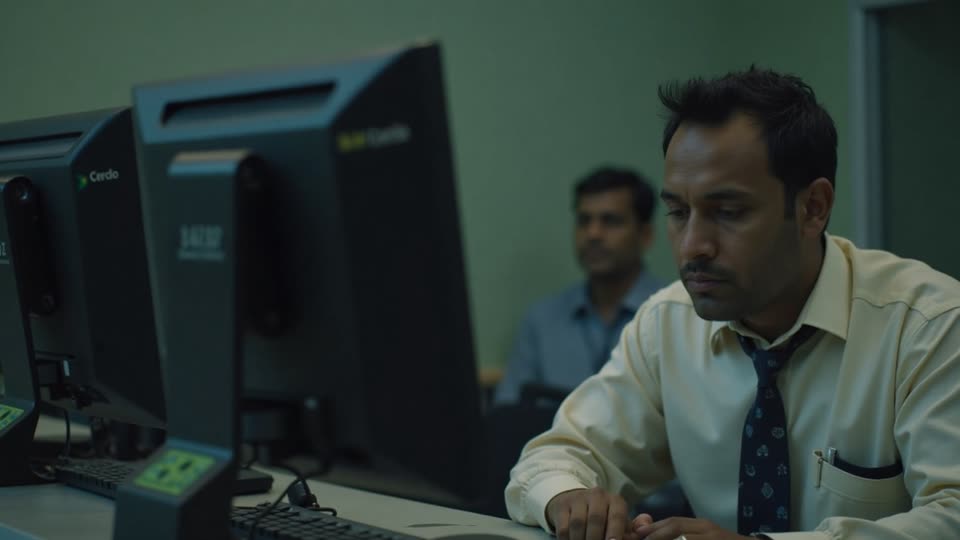
At 10:23 — brief: a quiet back office, medium two-shot. (Made before 22 Sep 2026, under the old office-first rule — this philosophy lecture would now be set in its own world.)
15

The rest of the lecture's shots

Nine shots, one look.

The nine shots in the reference lecture were requested at 5 or 6 seconds, ran from 4.88 to 6.48 s on screen, and together held 52 seconds, 3.9% of the film. They were spread from 2:49 to 19:15 and scored between 7 and 11, well above the 4.0 bar, because video takes first pick of the strongest windows. None of the sentences contained a motion verb, so in this lecture the shots went simply to the highest-scoring picturable windows.

Anatomy
  • 9 shots
  • 52.0 s, 3.9% of runtime
  • Scores 7–11
Rules
  • Every shot passed the real-entity gate

Rules

The rules, and the reason for each.

Hard rules are checked by the engine and stop delivery if they fail. Guides steer the choice but can give way when the lecture needs it.

TypeRuleWhy
HardWhere the lecture names a company the library holds, the moment goes to that company's card rather than to a generated clip.A card shows the company; a generated clip of a real company would be a fabrication.
HardEvery clip of the lecture's own story character is generated from the same fixed description as every still of her.The person the student is following has to be recognisably one person.
HardA course with a world of its own keeps to it, and the exclusions are phrased as things that ARE true of the frame.Generic must still mean about the subject, and a generator with no negative prompt reads an exclusion as an instruction.
HardAlways text to image, then image to video; the checked still is the first frame.It locks the look with a picture and makes a failed shot cheaper to retry.
HardNothing real is ever generated: no real brand, building, institution, publication, public figure or named place.A generated shot of a real thing is a fabrication under a university's name.
HardNothing document-like is generated: no chart, statistic, report, headline or screenshot.Generated documents are fabricated facts.
HardThe gate is re-checked immediately before every request.It is the last point before anything is made or spent.
HardNo writing in the seed still; OCR-checked, one stricter retry, then abandoned.Writing in the first frame would be carried through the whole shot.
GuideTarget 0.4 shots a minute of runtime.A per-minute quota scales with the lecture; a fixed number was absurd for short lectures.
GuideVideo takes first pick of the windows.It is the scarcer quota and the more valuable clip.
HardGenerated stills and shots together hold at most 18% of runtime.The ceiling beats every quota; padding is the worse defect.
HardClip length 5 s ideal, 6.5 s maximum in placement.Five seconds is what the model emits natively and what reads as emphasis.
HardNo stitching of two generations into one window.The seam shows.
HardNever change playback speed to fit a window.Slowed or sped-up generated motion reads as an obvious artefact.
HardRequest 1080p at the frame's 16:9; scale to cover and centre-crop.A 720p shot on a 1080p timeline is visibly soft.
HardStrip every shot's audio.The narration is the only sound under a cutaway.
GuideOne modest, physically believable action per shot; subtle real motion, locked-off or slow handheld.Several simultaneous motions blur; flashy camera work reads as a graphic, not footage.
GuideIndian cast and setting by default, stated in the seed brief.Generators default to Western people and places.
GuideBright look by default; sober only when the sentence names hardship.The picture should look like the career the course prepares students for, without prettifying hardship.
HardA submitted job is resumed, never resubmitted.Nothing is paid for twice.
HardA job that hangs is abandoned after 600 s with its name.A silent hang is worse than a loud failure.
HardEvery generated clip has a hard cost cap, checked before the call.A model priced above the cap cannot be used at all; the window falls back.
GuideStock footage is tried first; a drawn cutaway is the fallback.Real footage is real and free; drawing cannot fabricate.
GuideEnumerations and stepwise builds go to the drawn layer, not to video.A generated shot cannot build a list in order; a drawn build-on can.
HardCaptions run over the shot, uninterrupted.The word highlight is the thread the student follows.
HardUnbranded: no logo, lockup, course code or institution name in any shot.The institution's name must never reach a generation prompt.
HardNever in the first 15 s or last 25 s; never on a title, definition or quotation.The lecturer opens and closes the film, and the set pieces are the best things on screen.

Settings

Every setting, with its value.

These are the values the engine runs with today. The name in small type is the setting as it appears in the engine, for anyone comparing notes with a producer.

SettingValueWhat it does
Shots per minuteVID_PER_MIN0.4The video quota, scaled by runtime, at least one.
Shot targetVID_TARGETround(minutes x 0.4)Nine for a 22-minute lecture.
Native clip lengthAI_CLIP5.0 sWhat the video model emits natively; placement is steered toward it.
Maximum clip lengthCLIP_MAX6.5 sLongest generated window placed.
Minimum window3.0 sShortest window eligible for a generated cutaway.
Quality barSCORE_GOOD4.0Minimum candidate score.
Motion bonusMOTION+4 in video rankingSentences with motion verbs are preferred for shots.
Generated ceilingAI_HI18% of runtimeShared by stills and shots.
Requested durationwindow rounded, 2–7 sWhole seconds asked of the model.
ResolutionVIDEO_RES1080pRequested output resolution.
Aspect ratio16:9The frame's own aspect.
Cameranot fixedThe model may move the camera, within the subtle-motion instruction.
OutputFPS1920 x 1080 at 30 fpsEvery shot is fitted to this.
Seed still sizesSTILL_SIZES2048x1152 firstThe first frame is made at the largest size the image model accepts.
Motion instructionfixed lineSubtle real motion, locked-off or slow handheld, no camera tricks.
ExclusionsFORBIDfixed clauseNo text, signage, logos, charts, paperwork, posters, watermark, brand or famous person.
Poll interval3 sHow often a job's status is read.
Video timeout600 sHow long a shot may take before it is abandoned.
Network retriesNET_ERRORS4 attemptsTransport failures only.
Per-clip cost capCAP_PER_CLIPfixed ceilingStill plus motion must come in under it.
LookSTYLE / STYLE_HARDbright / soberDecided per shot from the sentence by the hardship word list.

Checks

What is verified before it ships.

Gate re-checked

No generated shot names a real entity after all fallbacks, and the generator checks again before the request.

Seed free of writing

OCR on the first frame before any video is requested.

Watched in full

Each shot is reviewed through, since correct content with wrong or distracting motion is invisible in a single frame.

Length to the frame

Every assembled piece is frame-counted against its window; more than 2 frames out stops the join.

Silent

No shot carries its own audio into the film.

Generated share at most 18%

Stills and shots together, a hard check.

Video quota

Reported as met or short, with the reason; advisory, never met by breaking the ceiling.

Real file

A clip under 10 kB is discarded as a failed leftover.

Within the cost cap

Checked per clip before the call.

Substitutions reported

Any shot that fell back is listed with its reason.

Worked example

In a real lecture

In the 22-minute lecture “Indian Wisdom, Philosophy and Traditions”, 0.4 a minute gave a video target of nine, and the planner met it exactly. The nine shots were placed first, before any still or drawing, and went to the strongest picturable windows in the lecture: scores of 7 to 11 against a bar of 4.0.

They run from 2:49, on “firm in Bengaluru, home in Varanasi, for the cousin's wedding”, to 19:15, on the hall rising in applause, and total 52 seconds — 3.9% of the film. Eight cut away from the full animated lecture and one from Presenter + Captions. Each was requested at the window rounded to whole seconds — three at 5 s, six at 6 s — and trimmed to the window.

Together with twenty-two stills the generated cutaways held 12.6% of the runtime, under the 18% ceiling. One shot, at 17:17, took the sober look because its sentence contained the word “poverty”; every other seed was made in the bright default.

9 (target 9, met)Shots
52.0 s, 3.9%Screen time
4.88–6.48 sLengths
7 to 11Scores
8 of 9Over full animated
2:49 / 19:15First / last
1 shotSober look

Limits

What it deliberately does not do.

  • It will not generate anything real: named brands, buildings, institutions, publications, public figures or places.
  • It does not generate video directly from text; every shot starts from a checked still.
  • It does not show several steps in order or build a list; those go to drawn cutaways.
  • It does not stitch generations together or change playback speed to fill a longer window.
  • It adds no sound, ever, and never alters the narration.
  • It cannot guarantee a shot for every window: a failed, refused or timed-out job falls back and is reported.
  • It is the scarcest cutaway by design, about one every two and a half minutes.

Works with

How it meets the other effects.

Questions

What educators ask about it.

Is this real footage?

No. It is AI-generated, which is exactly why nothing real is ever depicted. Where real footage exists and genuinely matches, the stock rung is used instead.

Why so few video shots compared with stills?

Video is the scarcest and most valuable cutaway, about 0.4 a minute. It is kept for moments where something happening is the point; a single concept reads just as well as a still with a slow camera move.

Will the shots have sound?

Never. The shot's own audio is removed, and the only sound under a cutaway is the lecturer.

Why do shots sometimes look like the stills around them?

By design. Each shot starts from a still made with the same brief, cast and look, so the whole lecture reads as one body of footage.

What happens if a shot fails?

It is retried where that makes sense, then recorded with its reason, and the window plays a drawn cutaway or the layout underneath. A job already submitted is resumed rather than paid for twice.

All effects

Every effect has a page like this one.

See this effect on your own lecture.

Send a recording and we'll run it through the pipeline as a pilot — one free sample per institution.